

The work this connects
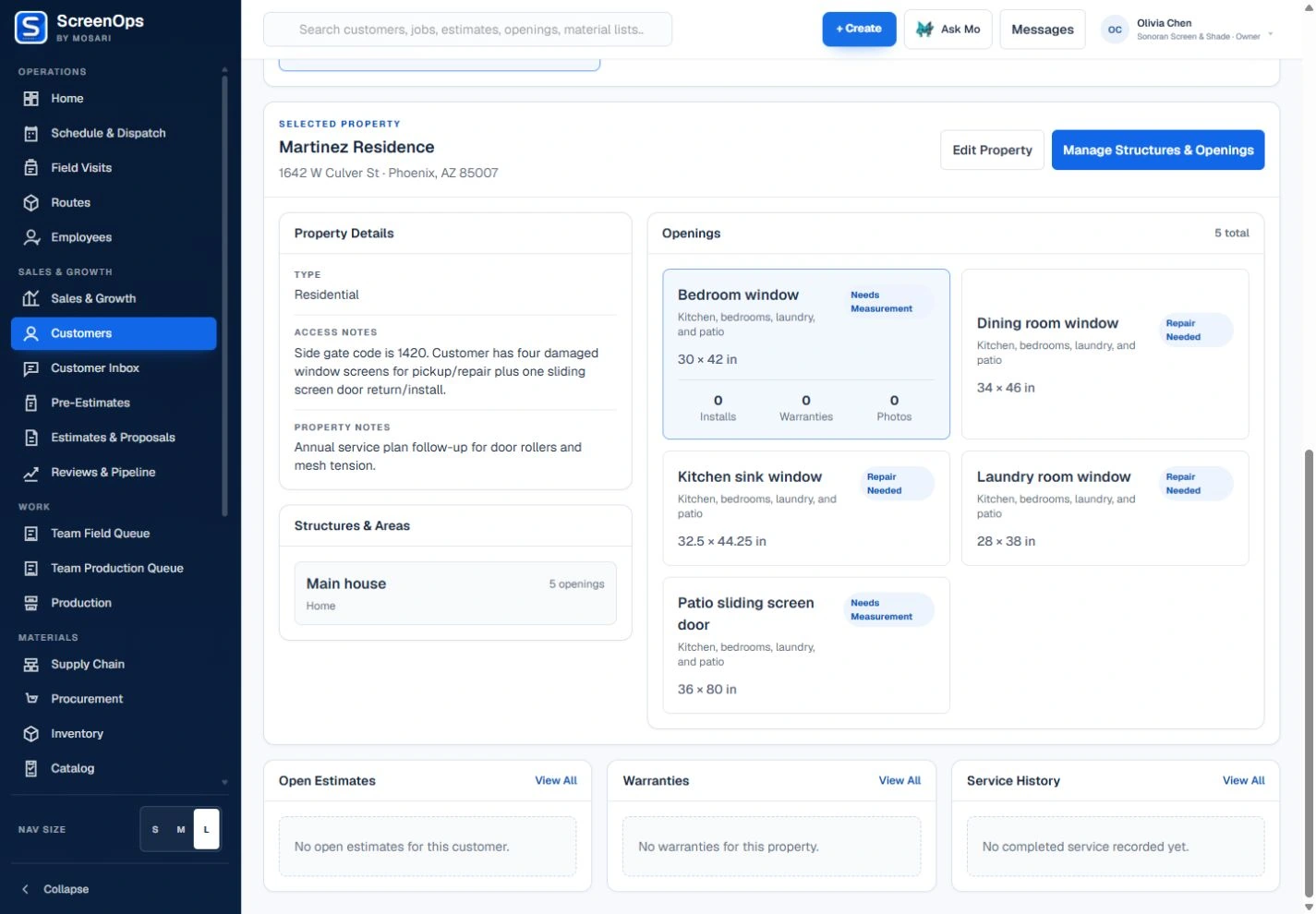
A mislabeled opening or unverified dimension creates waste in the shop and a second trip in the field. ScreenOps keeps each measurement tied to the opening and preserves version history.
What stays connected
- Opening-by-opening capture
- Numeric-friendly tablet fields
- Duplicate similar openings
- Versioned measurements
- General and opening photos
- Required human verification
Follow the workflow
- Property
- Area
- Opening
- Measurement version
- Verified configuration
Common questions
Does ScreenOps replace technician verification?
No. Measurements must be reviewed and confirmed by a qualified person before they drive estimating or production.
Are earlier measurements overwritten?
The workflow is designed to preserve measurement versions so revisions remain traceable instead of silently replacing field history.