

ScreenOps Help
Keep the
work moving.
Find guidance for the next step. For account or technical support, reach the ScreenOps team directly.
Matching guidance
45 resources- Read guide
Screen Company Software for Window Screen & Screen Door Businesses
What screen company software should cover—from inquiry and estimating through dispatch, shop production, field closeout, and billing—and how ScreenOps connects those jobs.
- Read guide
Window Screen CRM for Customers, Properties & Openings
What a window screen CRM should track—customers, properties, openings, inquiries, and relationship history—so every job stays tied to the right location.
- Read guide
Screen Industry Glossary for Operators
Short definitions operators and new hires need when talking estimates and field work.
- Read guide
ScreenOps Product FAQ
Straight answers about what ScreenOps is, who it is for, and what not to assume.
- Read guide
Screen Job Capacity Planner (Simple Model)
A simple capacity model for estimating how many consultations and installs a crew can finish in a week.
- Read guide
Estimate Line Items for Screen Work (Template)
A line-item pattern that makes screen estimates clearer for customers and safer for production.
- Read guide
Screen Install Job Checklist (Field Template)
A practical install/rescreen checklist technicians can run before calling a job complete.
- Read guide
Field Service Software for Screen Shops: What to Evaluate
Evaluation criteria for field-service platforms when your work is screens, not HVAC or plumbing defaults.
- Read guide
ScreenOps vs Spreadsheets for Screen Company Operations
Compare spreadsheet ops to ScreenOps on screen-specific handoffs—property/opening context, consultation estimates, and production readiness—not generic SaaS feature checklists.
- Read guide
QuickBooks for Screen Companies: What to Connect First
A cautious guide to connecting screen operations data with QuickBooks without over-claiming sync readiness.
- Read guide
Screen Shop Production Queue: From Sold Work to Ready Screens
How to keep sold screens from stalling between approval and the truck.
- Read guide
Field Work for Screen Technicians: Scope, Execute, Close Out
What technicians need on-site: scope, materials context, photos, and a clean closeout path.
- Read guide
RouteOps: Technician Route Planning for Screen Crews
Route planning and navigation patterns that keep screen technicians moving through a realistic day.
- Read guide
VisionOps: Photo Measurement for Screen Work
How VisionOps supports photo-assisted measurement and human review for screen company workflows.
- Read guide
Dispatch and Daily Routes for Screen Technicians
How screen companies build a day: crew assignment, visit order, navigation, and status updates.
- Read guide
Consultation to Install: A Screen Job Pipeline
A clear pipeline from consultation through approval, materials, production, dispatch, and install closeout.
- Read guide
Measuring Window Screens in the Field: A Repeatable Workflow
A practical field measurement workflow that reduces remakes and keeps shop and truck aligned.
- Read guide
Screen Repair vs Replacement: How to Estimate the Right Job
A decision guide for estimators: opening-level signals that separate rescreen jobs from frame rebuilds, with handoff into consultation and production—not a generic “call a pro” article.
- Read guide
Running a Patio Enclosure & Screen Business
How patio enclosure and lanai screen businesses manage larger scopes, multi-visit jobs, and material coordination.
- Read guide
Operations Guide for Window Screen Companies
How window screen companies typically organize estimating, field crews, shop work, and customer communication.
- Read guide
A screen-company CRM that starts with the property.
Keep inquiries, customers, properties, openings, documents, warranties, and work history connected instead of recreating context for every visit.
- Read guide
Guide the consultation from customer context to payment.
Use the current four-step consultation workflow to confirm the customer, build line items, review the estimate, and handle payment. Keep measurements, photos, and documents with the related job records.
- Read guide
Capture every opening once, with human verification built in.
Record structure, area, opening type, work type, dimensions, condition, notes, and photo evidence in one repeatable measurement workflow.
- Read guide
Build estimates from the work that was actually measured.
Connect opening configurations to clear option sets, pricing, approvals, customer decisions, and sales documents.
- Read guide
Run the day from a real technician calendar.
Schedule consultations, installs, repairs, warranty work, pickups, and drop-offs with assignment controls, conflict protection, and customer context.
- Read guide
Carry the dispatch plan into every technician route.
Give management a team route view while each technician sees the ordered stops, customer context, and work assigned to them.
- Read guide
Give fabricators a queue they can actually build from.
Move accepted work into a production queue with measurements, specifications, material context, assignment, information requests, QA, and release status.
- Read guide
Keep materials visible from consultation through production.
Track owned stock, availability, reorder attention, value, and movement across locations. Keep optional catalog templates separate from activated inventory records.
- Read guide
Connect material demand to purchasing and receiving.
Connect material demand, suppliers, purchasing, receiving, and production readiness. Use your own external suppliers without requiring a Supplier Market relationship.
- Read guide
Keep every visit connected to the job.
Open assigned visits with customer context, line items, estimates, payment, and closeout. Authorized team views keep the office and field aligned.
- Read guide
Coordinate schedules, time, and role-aware employee records.
Give employees their own schedule and time records, managers the teams they supervise, and owners the complete organization view.
- Read guide
Collect deposits and balances at the right point in the job.
Apply company payment rules across consultation and field closeout, with Stripe card or bank payment options when the tenant connection is configured.
- Read guide
Turn operating records into dashboards, analytics, and scorecards.
Give owners and authorized leaders configurable views of demand, revenue, production, field execution, inventory, and staff performance.
- Read guide
See the workflow. Keep the work connected.
Follow ScreenOps workflow paths, open the related operating workspace, review rules in Automation & AI, and edit company workflow settings.
- Read guide
Connect the providers that move money and messages.
Manage accounting, payment, customer email and SMS, Slack links, and document-signature connections in Settings. Availability depends on the plan, provider approval, and company setup.
- Read guide
Carry every window opening from measure to install.
Keep window-screen dimensions, frame and mesh choices, estimates, fabrication, installation, and service history attached to the correct property opening.
- Read guide
Keep door fit, hardware, and service details together.
Coordinate sliding and hinged screen-door openings, measurements, mesh and frame selections, rollers or hardware, estimates, shop work, installation, and later service.
- Read guide
Run onsite and in-shop repairs without losing the scope.
Schedule repair work, document damage and measurements, coordinate optional pickup and return, track field or shop execution, and close out payment and warranty records.
- Read guide
Coordinate enclosure projects panel by panel.
Organize the property, structure, areas, openings, measurements, options, materials, production tasks, crews, and completion evidence for multi-stage patio enclosure work.
- Read guide
Keep pool enclosure repairs and builds mapped to the structure.
Track enclosure areas and panels, repair or replacement scope, measurements, material demand, crew assignments, quality checks, and customer history from one property record.
- Read guide
Manage mixed room projects as one connected scope.
Keep room structures, window and door openings, screen panels, options, documents, estimates, production, and phased field work organized across the full project.
- Read guide
Quote and produce solar screens opening by opening.
Capture dimensions, exposure and location notes, frame color, solar mesh choice, pricing, production specifications, installation, and future replacement history for every opening.
- Read guide
Bring site assessment, options, and installation into one job.
Coordinate property conditions, dimensions, mounting and access notes, selected awning options, procurement, installation scheduling, photos, and warranty follow-up.
- Read guide
Control the specifications behind specialty screen systems.
Track opening dimensions, product and motor options, mounting and power notes, approvals, ordered components, installation, commissioning, service, and warranty history.
- Read guide
Coordinate commercial glazing graphics from site to sign-off.
Organize business locations and window openings, dimensions, artwork and film notes, approvals, documents, production or procurement, installation windows, and completion evidence.
No matching guides.
Try a different word or choose another topic.
Inside ScreenOps
Help that stays with the work.
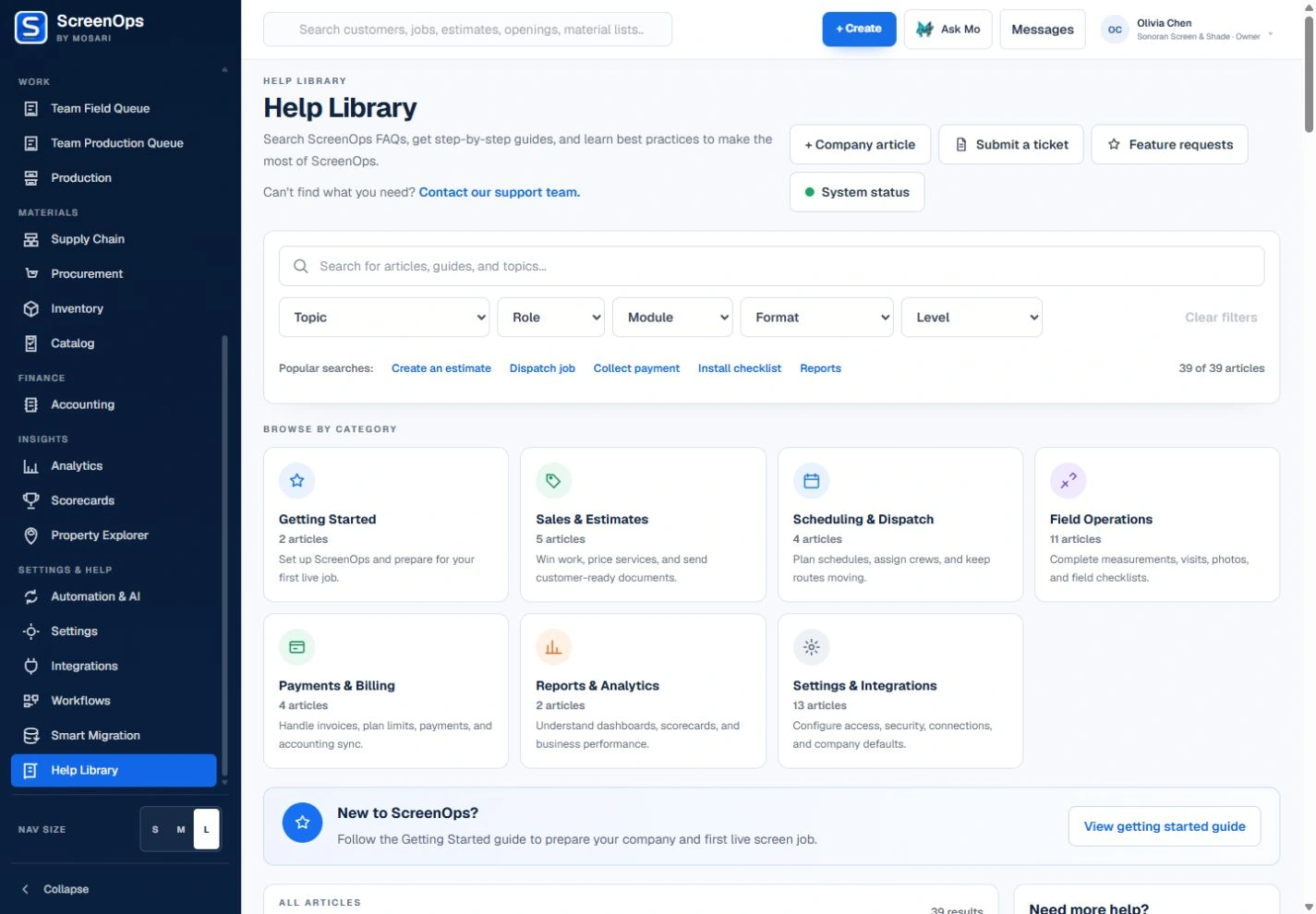
Search the Help Library by topic, role, module, format, and level. Open an article for steps, related routes, and troubleshooting.
Start with your work
A clear path forward.
Start & configure
Set up the company, team, and workflow defaults.
Open guide ↗02Customers & sales
Keep inquiries, properties, estimates, and decisions together.
Open guide ↗03Dispatch & field
Schedule the visit. Give the technician the right context.
Open guide ↗04Shop & materials
Carry approved specifications into production and materials.
Open guide ↗Account & access
Get back to your work.
Still need a hand?
Tell us where you got stuck.
Include your account email, the workflow, and the step you were trying to complete.