

The work this connects
Integrations fail when setup state, ownership, and data boundaries are vague. ScreenOps separates platform billing, tenant payment processing, accounting sync, email, and SMS configuration.
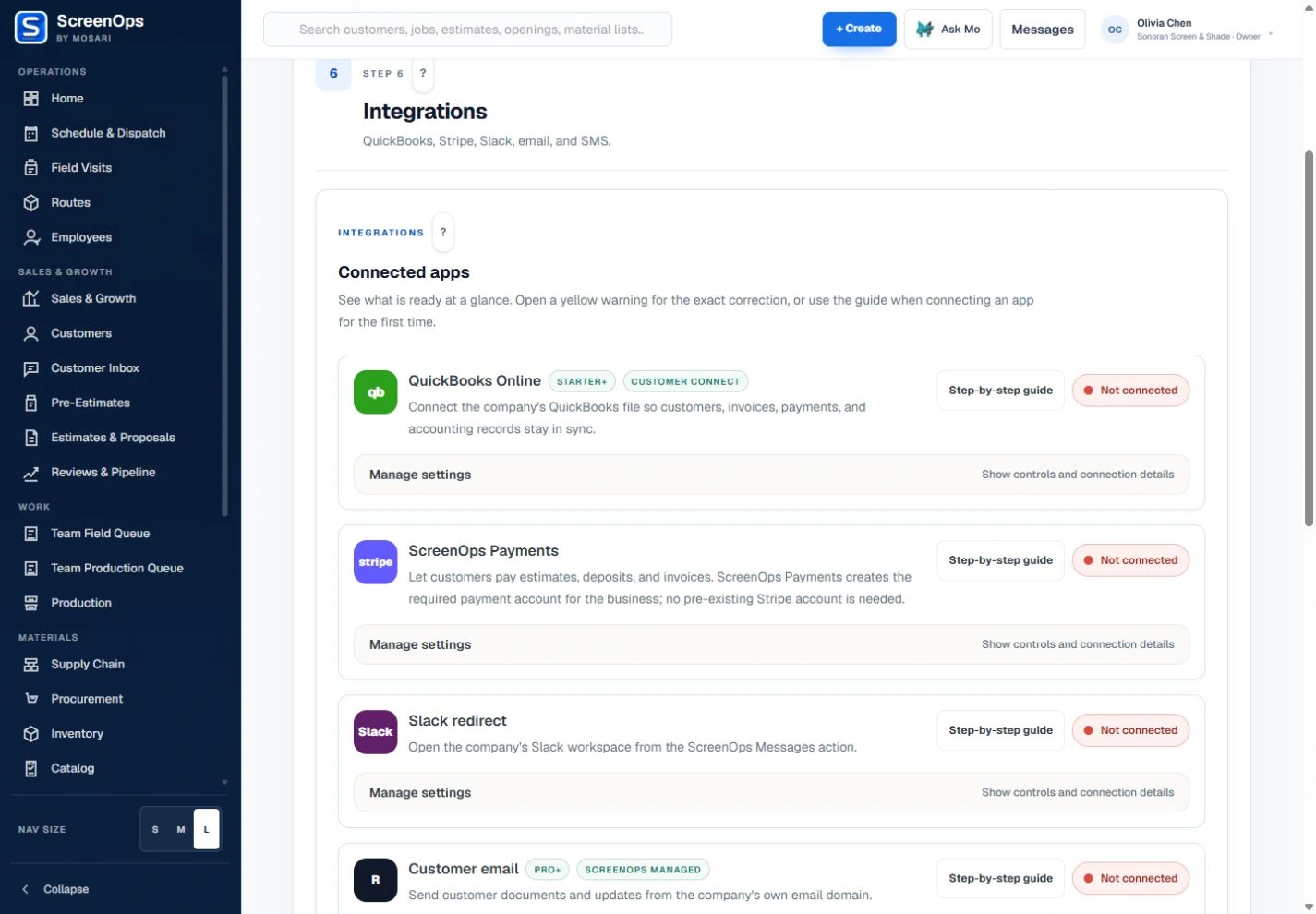
What stays connected
- QuickBooks Online connection controls
- ScreenOps Payments or Connect My Stripe
- Company-domain customer email
- Mosari-managed transactional SMS
- Slack workspace redirect
- DocuSign signature connection
Follow the workflow
- Owner setup
- Provider authorization
- Configuration check
- Runtime use
- Audit and reconciliation
Common questions
Which integrations are publicly supported?
Settings includes QuickBooks Online, ScreenOps Payments / Stripe, customer email, transactional SMS, a Slack workspace redirect, and DocuSign. These are configuration options; provider approval, plan access, and a completed connection are required for the related service.
Does ScreenOps claim Google or Outlook calendar sync?
No. External Google and Outlook calendar OAuth are not included in the current public product claim.