

The work this connects
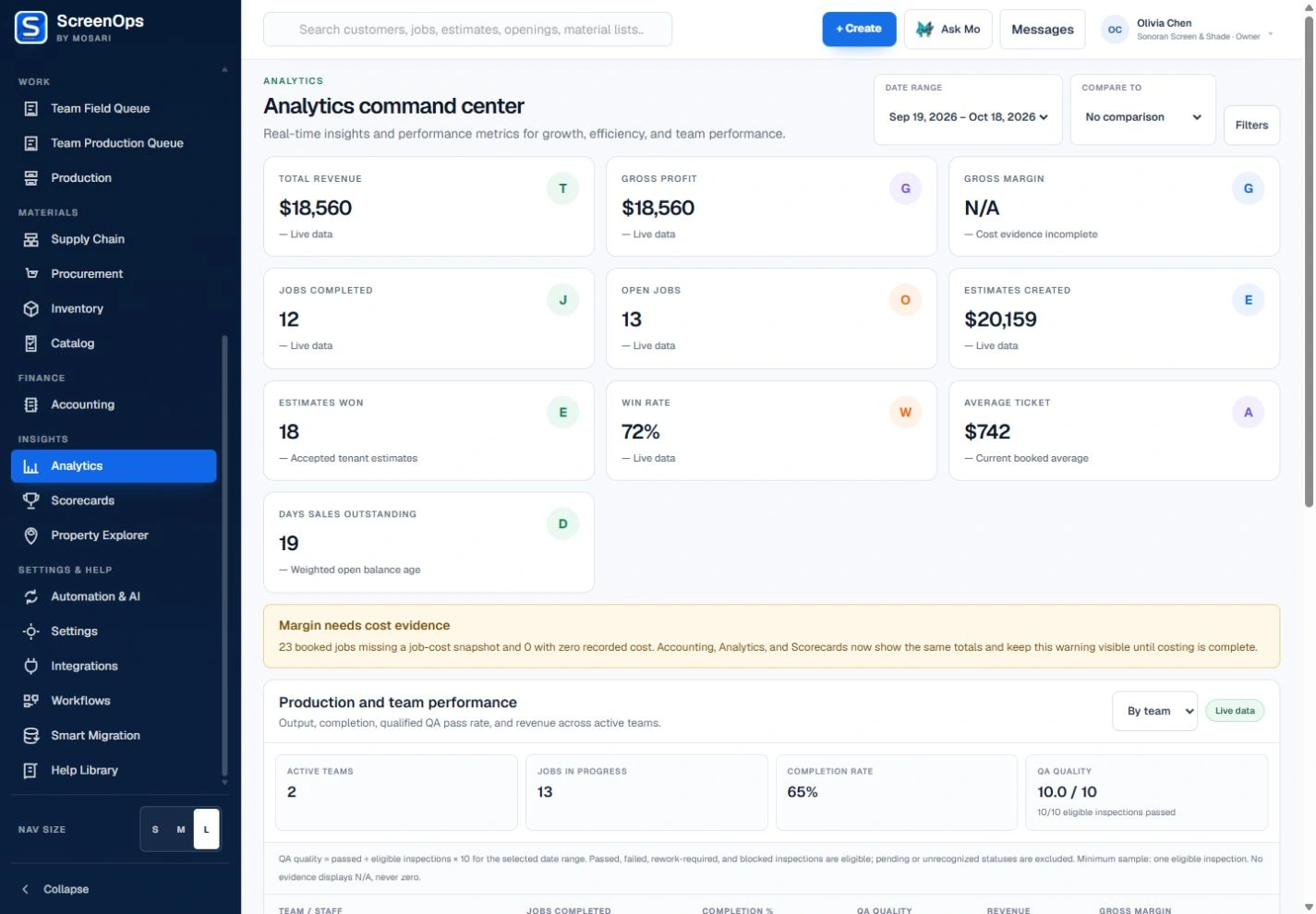
Reports are only useful when the operating records are connected and the viewer can tell where the number came from. ScreenOps keeps analytics close to the workflow that produced them.
What stays connected
- Customizable dashboard cards
- Tables, charts, gauges, and scorecards
- Saved user layouts
- Operational analytics
- Staff performance filters
- Export-ready report views
Follow the workflow
- Operational records
- Metrics
- Role-scoped view
- Filter
- Decision
Common questions
Can each manager arrange a different dashboard?
Yes. Authorized owners, managers, and leads can save their own dashboard layout and lock it when they are finished arranging cards.
Are scorecards visible to every role?
No. Reporting surfaces follow role and permission boundaries so staff only receive the views their responsibilities require.