

The work this connects
Window screen work becomes costly when measurements, opening labels, options, and production notes are copied between paper, spreadsheets, and disconnected job records.
What stays connected
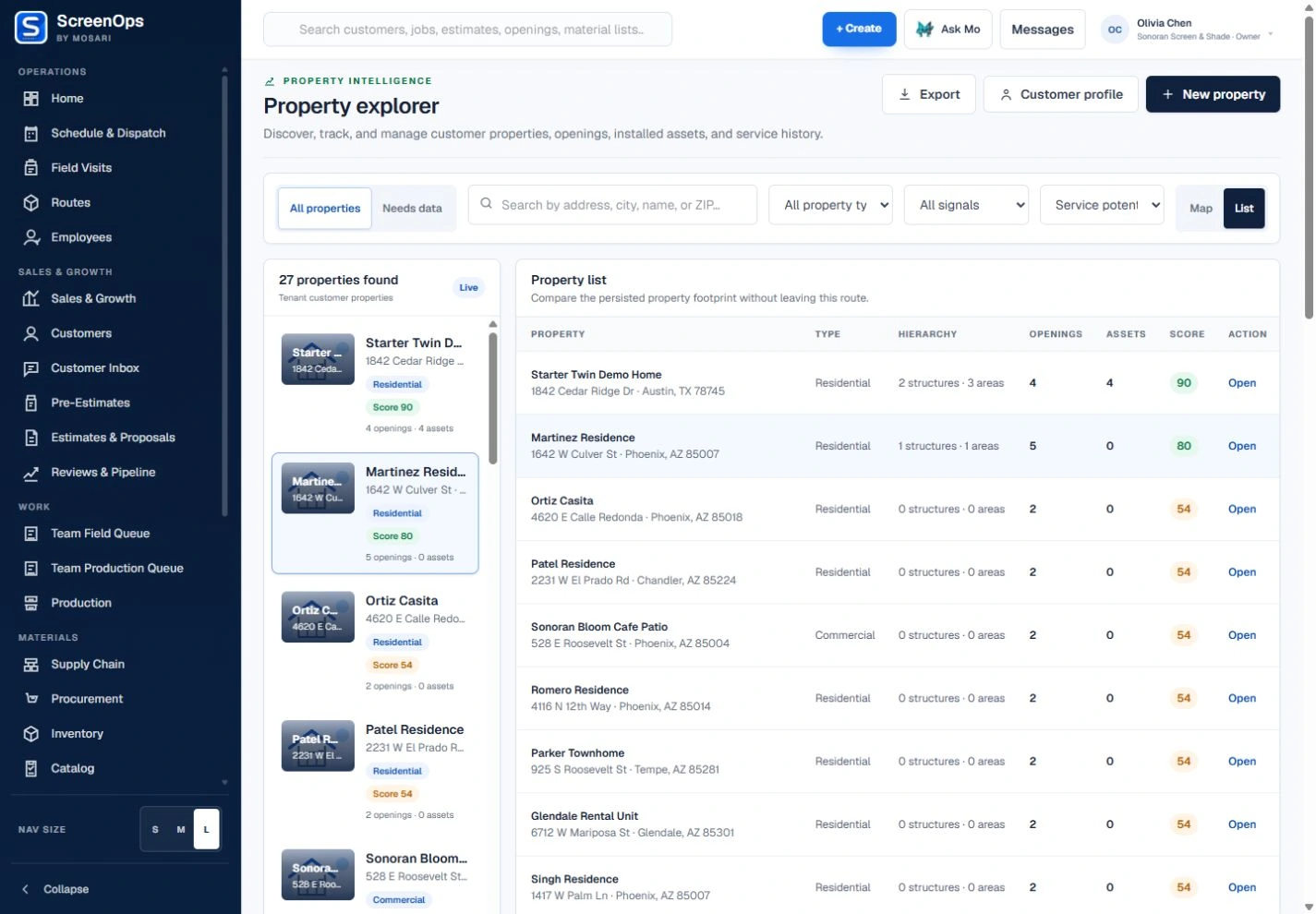
- Property and opening history
- Verified width and height
- Frame, mesh, spline, and color options
- Opening-based estimates
- Fabrication and material handoff
- Installation and warranty evidence
Follow the workflow
- Inquiry
- Consultation
- Opening measure
- Estimate
- Fabrication
- Installation
The operating record
Customer → Property → Room or area → Window opening → Window screen
Questions to keep with the job
- Which verified width, height, frame, mesh, spline, color, and hardware belong to each opening?
- Has the customer approved the same configuration the shop and installer will receive?
- Can the team find the prior screen, service, and warranty history without rebuilding the record?
Common questions
Can ScreenOps track each window opening separately?
Yes. Openings can retain their own location, dimensions, photos, configuration, and measurement history within the customer property.
Can window screen work move into fabrication?
Approved work can carry opening specifications into production and material-readiness workflows when the company uses in-shop fabrication.