

The work this connects
Screen materials are dimensional and job-specific. A simple quantity list cannot explain whether the correct mesh, frame, spline, hardware, or usable remnant is available for the work.
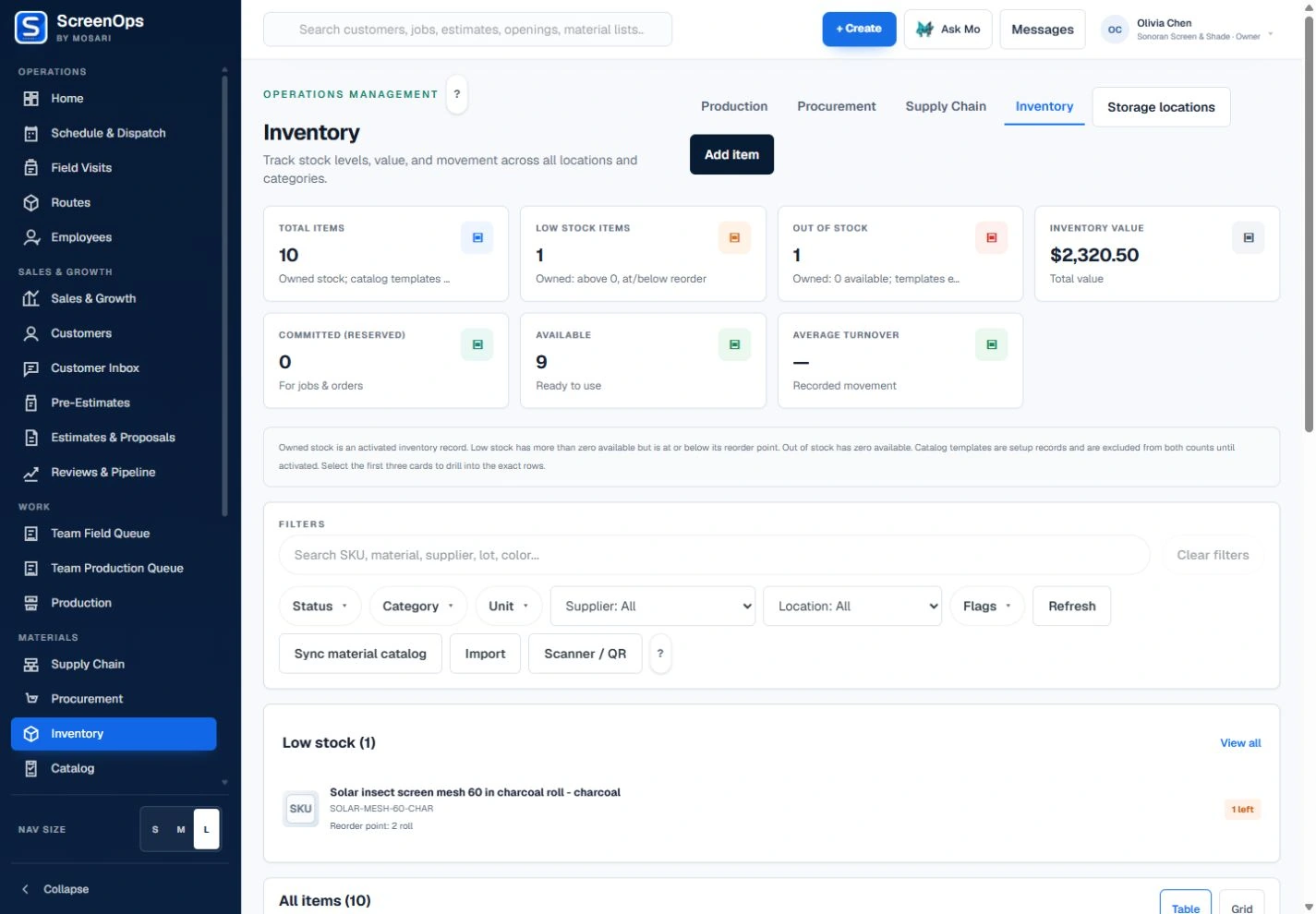
What stays connected
- SKU and dimensional attributes
- Manual adjustments and audit trail
- Import workflows
- Barcode and QR scan records
- Optional scrap tracking
- Production and procurement links
Follow the workflow
- Demand
- Availability
- Reserve
- Issue or procure
- Consume or return
Common questions
Is ScreenOps a full warehouse ERP?
Not yet. Inventory is limited operational support for ScreenOps workflows and should not be marketed as a replacement for a mature enterprise warehouse or accounting system.
Can teams track scraps and remnants?
Yes, when enabled. The workflow can record usable remnants and scrap events, but companies can leave that layer off if it adds unnecessary process.