

The work this connects
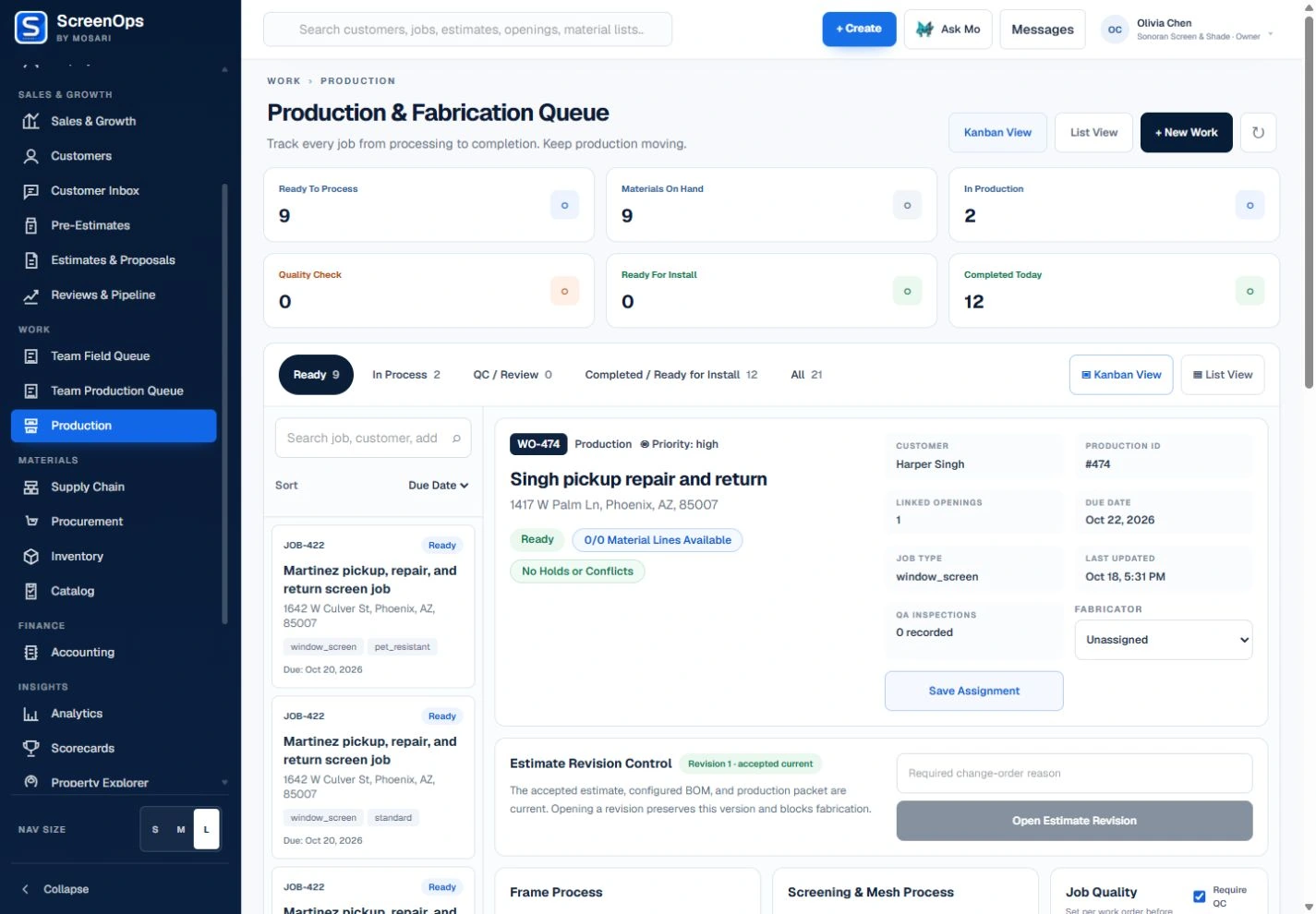
A production ticket without verified dimensions or material detail sends the shop back to the office. ScreenOps keeps specifications and responsibility visible at the task level.
What stays connected
- Fabricator-only assignment
- Assigned-by accountability
- Measurements and specifications
- Material readiness
- Request-more-information loop
- QA and release tracking
Follow the workflow
- Accepted work
- Material check
- Fabricator queue
- Build
- QA
- Ready for field work
Common questions
Who can be assigned production work?
Production assignment is limited to users with fabricator responsibilities, while owners and authorized operations leaders can manage the queue.
What happens when specifications are missing?
Fabricators can request more information, returning the question to the technician or user responsible for the production task.