

The work this connects
Enclosure projects span many openings and handoffs. A flat job record cannot reliably explain which area, panel, measurement, material, or installation stage needs attention.
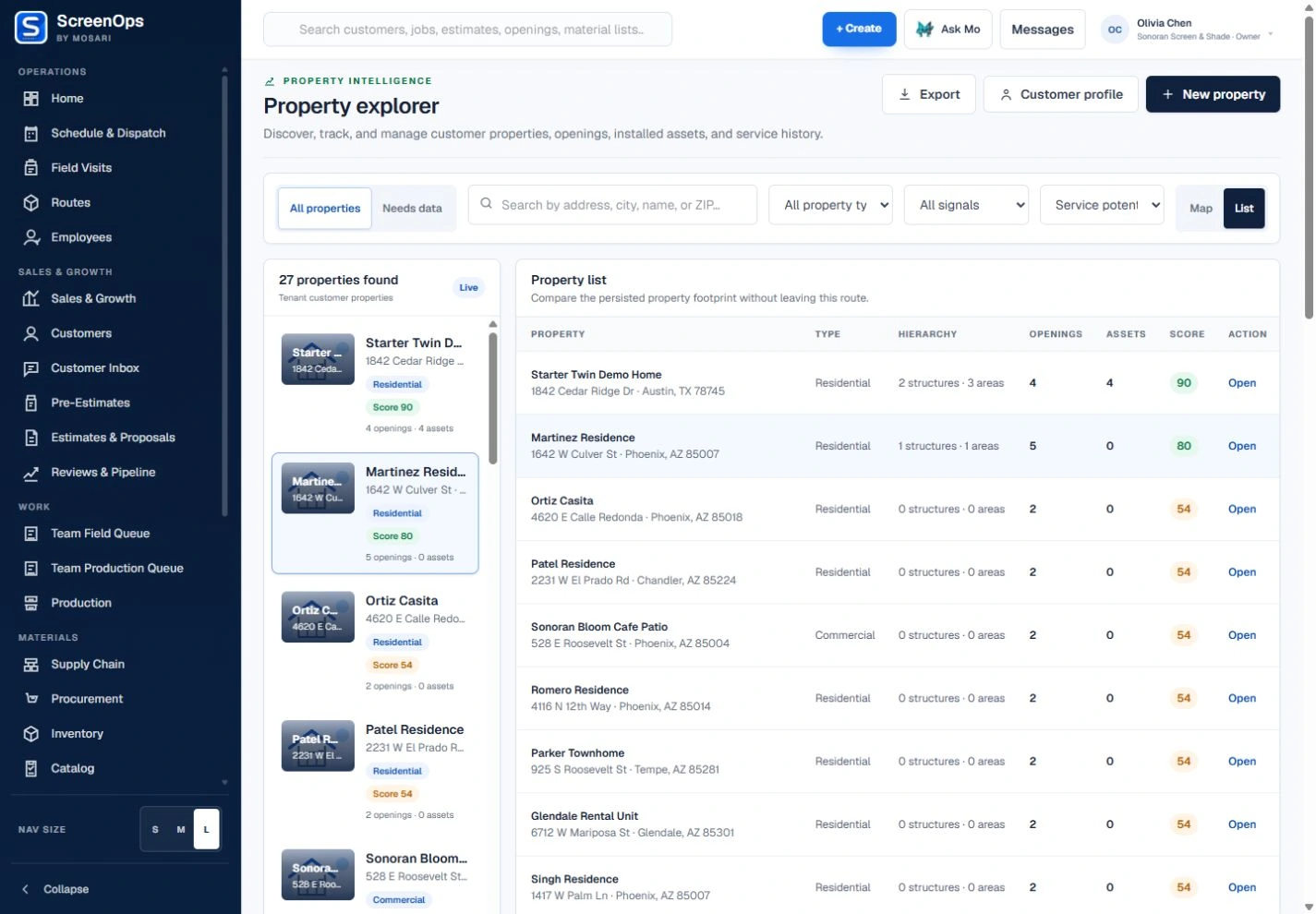
What stays connected
- Structure, area, and opening hierarchy
- Panel-level measurements
- Project photos and notes
- Estimate and approval history
- Material and production readiness
- Crew scheduling and quality evidence
Follow the workflow
- Inquiry
- Site consultation
- Area and panel measure
- Proposal
- Production
- Installation
The operating record
Customer → Property → Patio structure → Enclosure area → Panel or opening
Questions to keep with the job
- Is each wall, roof area, panel, door, and access condition mapped to the correct structure?
- Can materials, crew assignments, change decisions, and completion evidence be traced by project area?
- Which engineering, permitting, or design work remains outside ScreenOps and must be managed separately?
Common questions
Can ScreenOps organize a patio enclosure by area and opening?
Yes. The property hierarchy can represent structures, areas, and individual openings so measurements and work stay attached to the right location.
Can the project span multiple visits?
Yes. Consultation, measurement, production, pickup, installation, service, and closeout records can remain connected across scheduled visits.