

The work this connects
A door job can fail at installation when opening dimensions, track condition, hardware, swing, color, and customer choices do not reach the estimator and fabricator intact.
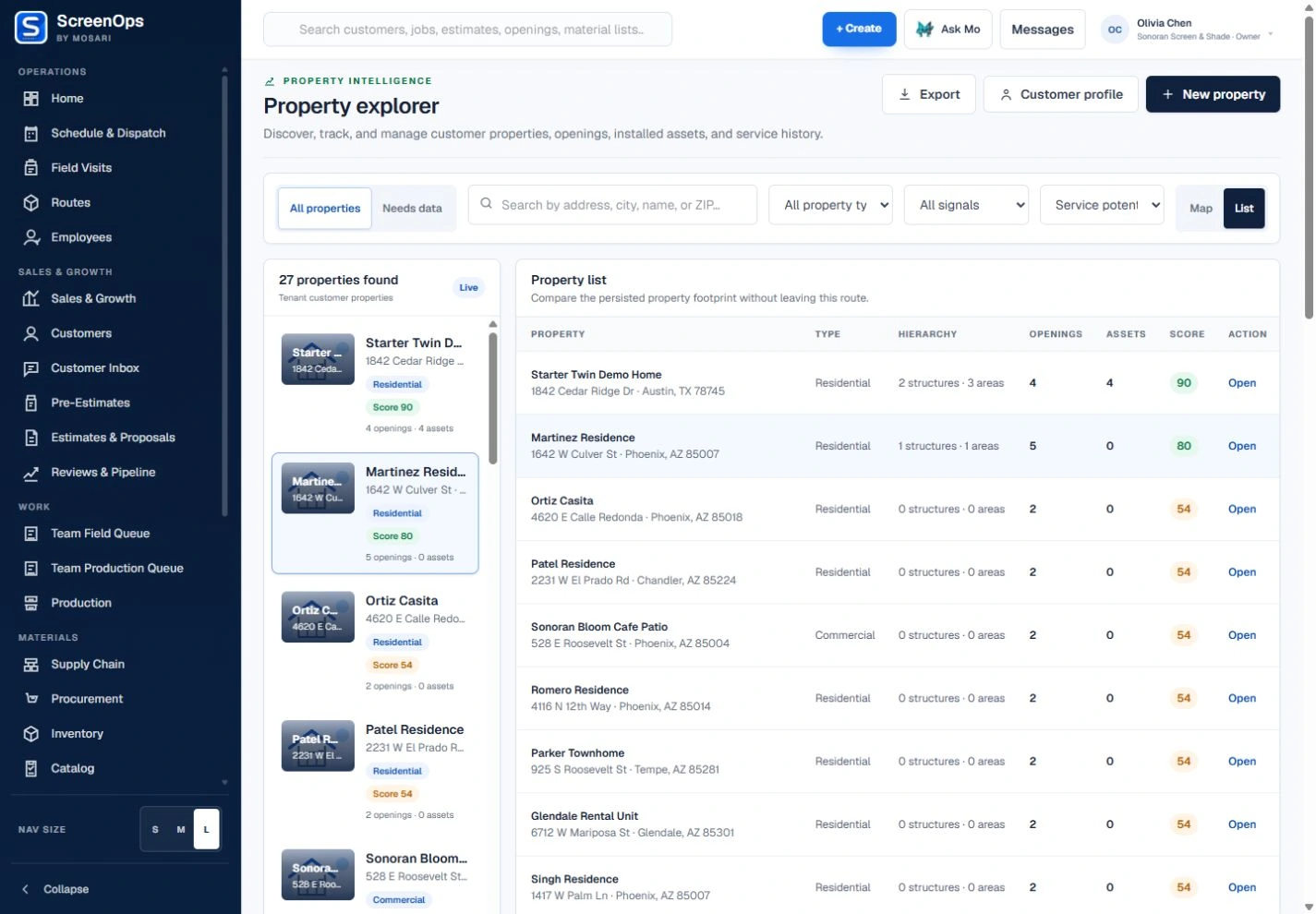
What stays connected
- Door-opening records
- Track and hardware notes
- Frame, mesh, and color choices
- Photo and condition evidence
- Production specifications
- Installation and service history
Follow the workflow
- Inquiry
- Door assessment
- Configuration
- Estimate
- Build or repair
- Fit and closeout
The operating record
Customer → Property → Entry or area → Door opening → Screen door
Questions to keep with the job
- Are track condition, swing, dimensions, frame, mesh, rollers, handles, and access notes recorded?
- Is the job a repair, replacement, pickup, shop build, onsite service, or customer-install delivery?
- Can production and field staff see the same approved hardware and fitment requirements?
Common questions
Can ScreenOps support new doors and door repairs?
Yes. The job record can distinguish replacement, repair, and installation scope while preserving the opening and service history.
Can hardware details travel with the job?
Door configuration, notes, photos, and selected hardware can remain connected to estimating, production, and field work.