

The work this connects
Arizona room and sun room projects mix opening types, materials, phases, and customer decisions. Rebuilding those details for every handoff increases errors and slows approvals.
What stays connected
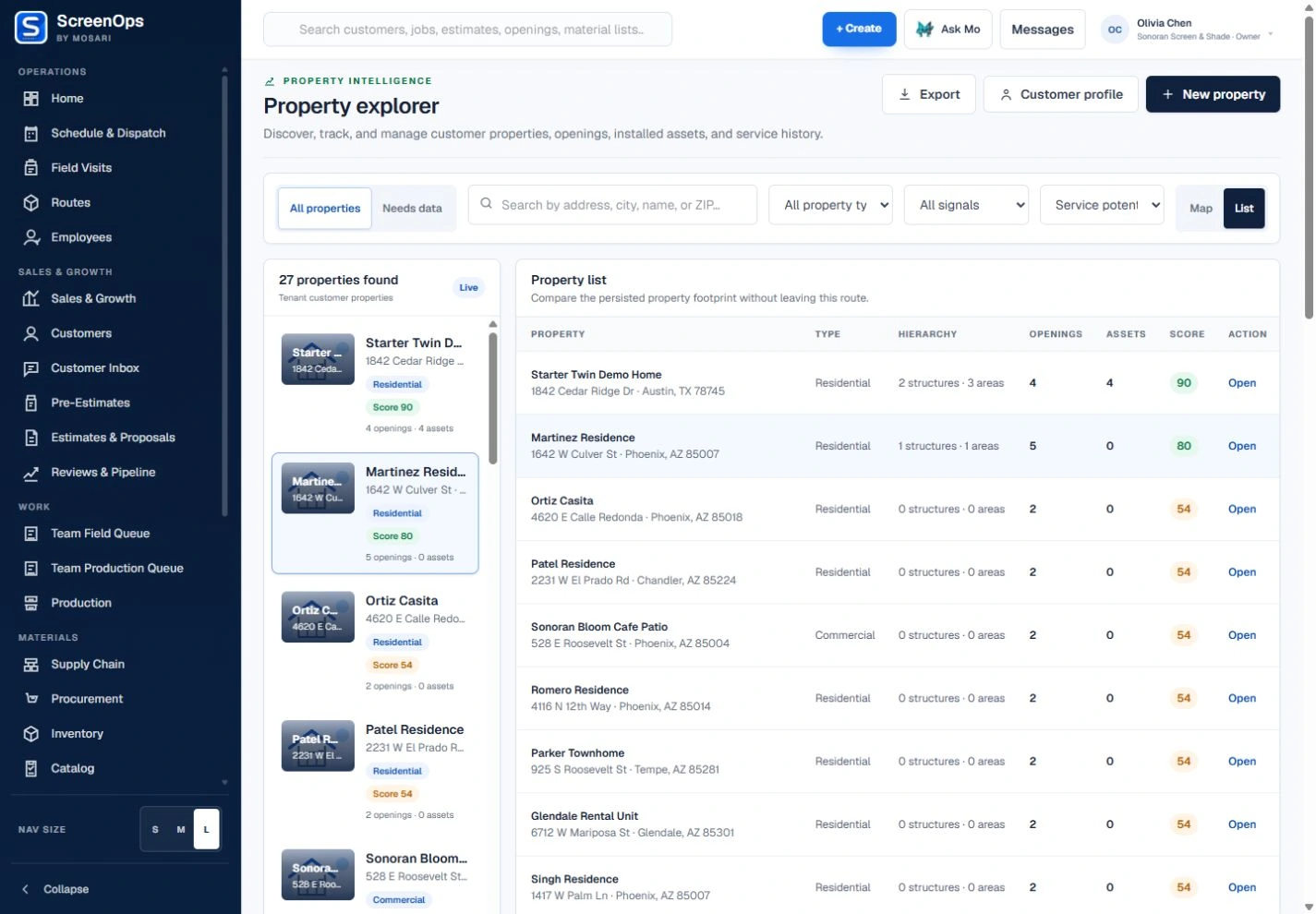
- Room and structure hierarchy
- Mixed opening types
- Measurement and photo history
- Option and document control
- Phased production planning
- Installation and service records
Follow the workflow
- Inquiry
- Room consultation
- Opening plan
- Proposal
- Build phases
- Install and closeout
The operating record
Customer → Property → Room structure → Wall or opening → Screen, door, or panel
Questions to keep with the job
- Can mixed windows, doors, walls, and panels be reviewed as one room project without losing opening detail?
- Which selections, documents, materials, and field phases have been approved and completed?
- Are construction design and permitting responsibilities clearly separated from ScreenOps records?
Common questions
Can one project contain windows, doors, and screen panels?
Yes. Different opening types can be organized within the same property structure and carried into the project scope.
Can ScreenOps preserve revisions during a larger project?
Measurements, estimates, documents, and work records are designed to retain their history instead of silently replacing the earlier project context.