

The work this connects
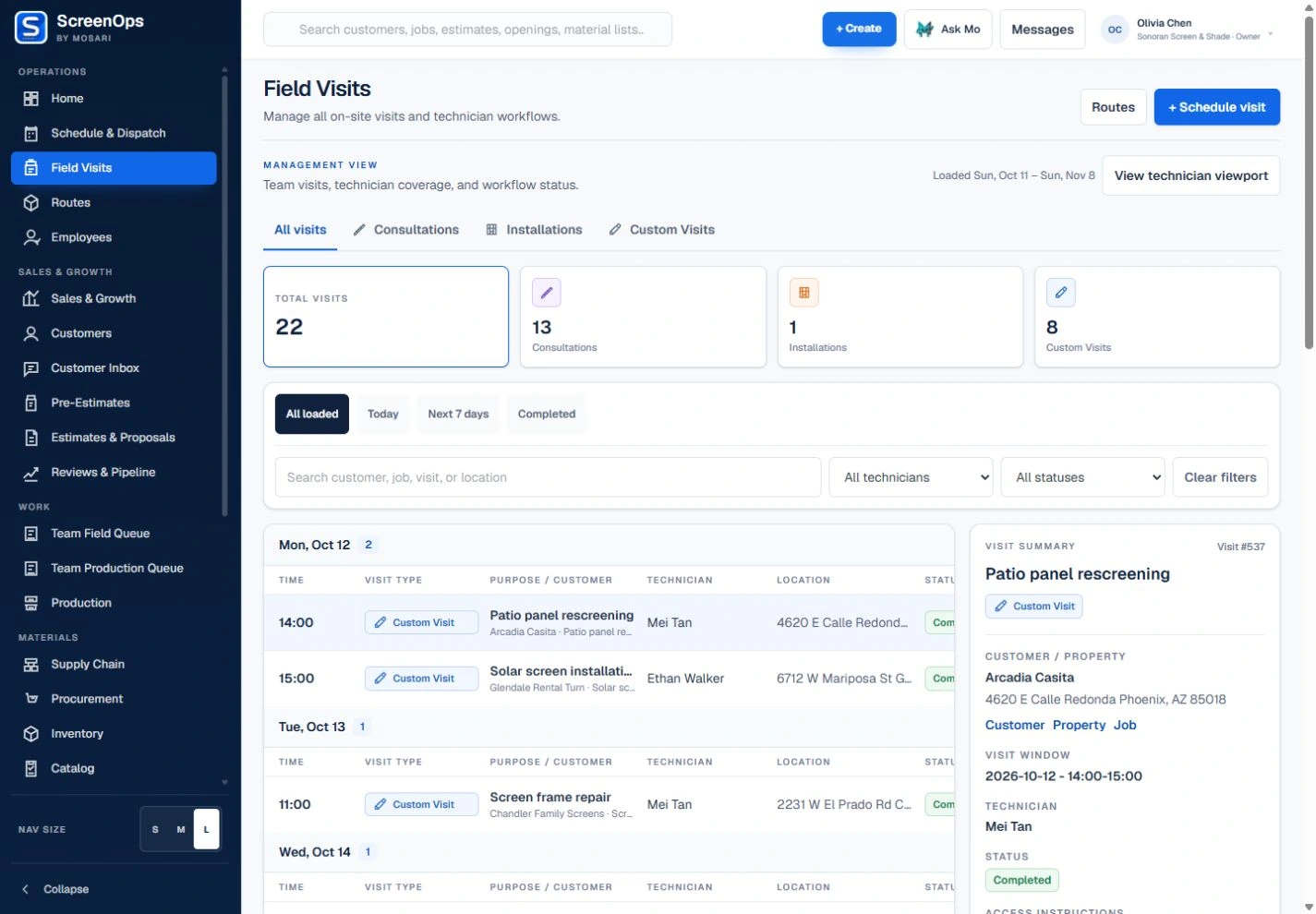
Field teams should not have to search an office system to learn what they are doing next. The assigned work record should arrive with the scope and evidence needed to complete it.
What stays connected
- Assigned and authorized team visit views
- Consultations, installs, repairs, warranty, pickup, and drop-off
- Customer and job continuity
- Line items, photos, and documents
- Estimate and payment steps when applicable
- Visit-specific outcomes and follow-up
Follow the workflow
- Assigned visit
- Travel
- Execute scope
- Evidence
- Payment
- Closeout
Common questions
Can technicians see work assigned to other staff?
The default technician view is restricted to that user's own assigned work. Authorized managers and dispatchers can use team views.
What work types are supported?
Field Work supports installs, repairs, warranty visits, pickups, and drop-offs scheduled by Dispatch.