

The work this connects
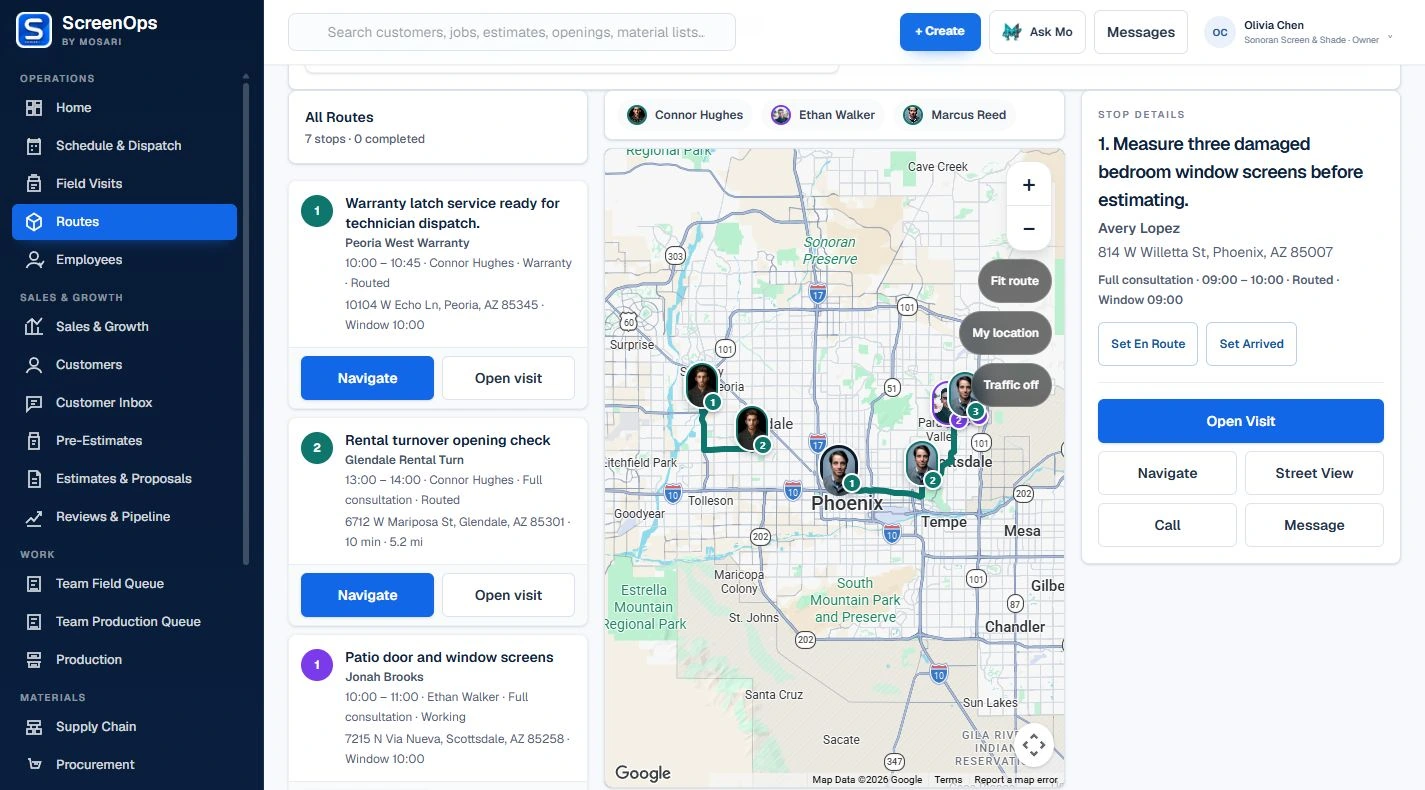
A route is only useful when it stays connected to the scheduled visit. ScreenOps carries the customer, property, job, timing, and technician assignment from Dispatch into the field experience.
What stays connected
- Management and technician route views
- Ordered daily stops
- Current-stop customer context
- Mobile schedule and route
- Directions when map services are configured
- Role-scoped route access
Follow the workflow
- Scheduled visit
- Assigned route
- Current stop
- Field workflow
- Completion
Common questions
Can managers see every technician route?
Authorized managers can review team routes, while technician access is scoped to the work assigned to that user.
Does routing require map services?
Ordered stops remain available in ScreenOps. Road-aware routing and in-app navigation depend on configured map, routing, and device-location services.