

The work this connects
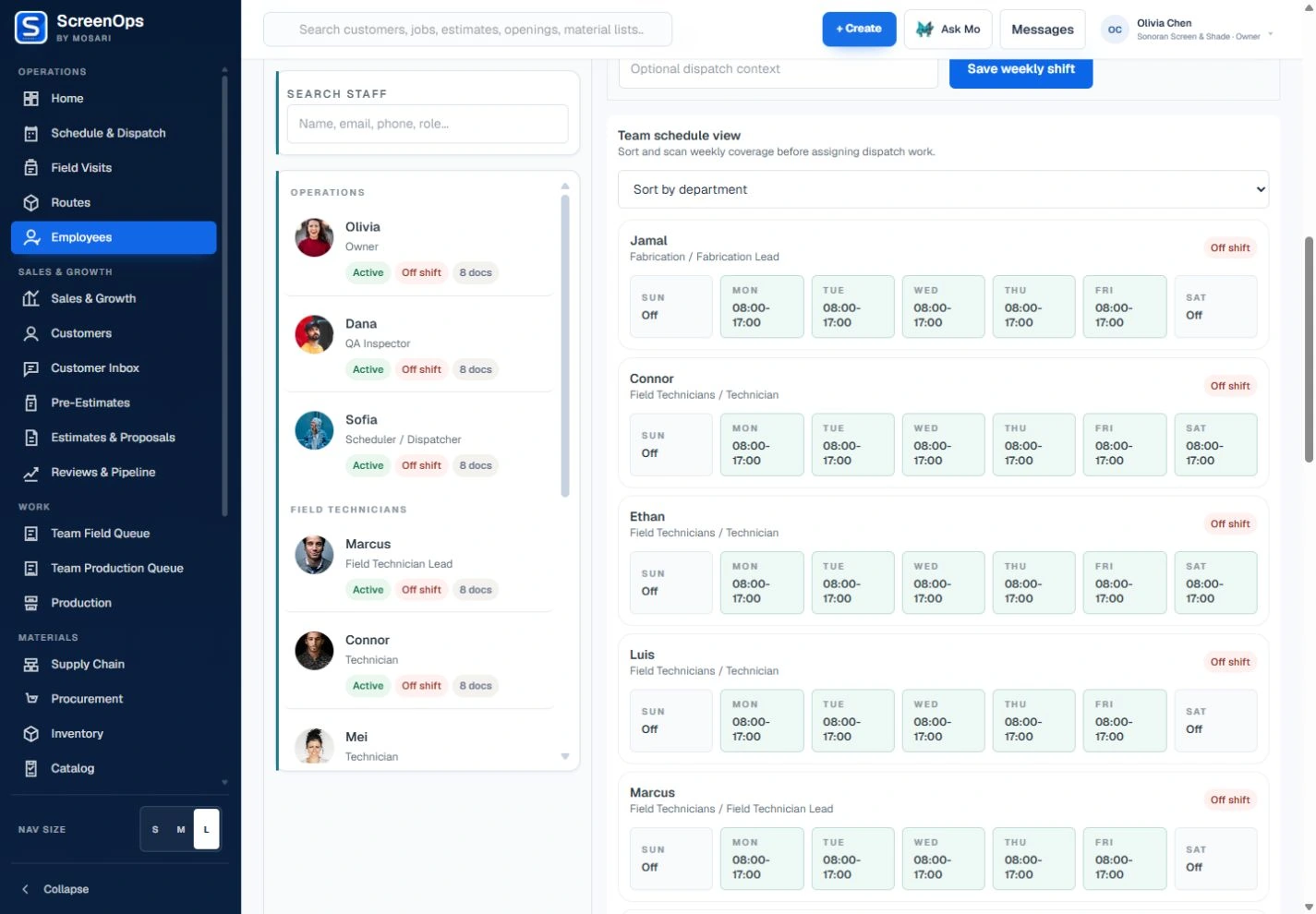
Dispatch cannot make a reliable assignment when shifts, callouts, time, and reporting relationships live somewhere else. ScreenOps keeps workforce availability close to operating work.
What stays connected
- Employee self-service view
- Manager team view
- Owner organization view
- Weekly schedules and exceptions
- Clock-in, clock-out, and breaks
- Profile, document, and compliance context
Follow the workflow
- Employee profile
- Schedule
- Time event
- Manager review
- Dispatch availability
Common questions
Can employees see other employees’ time records?
Employee self-service is scoped to the signed-in employee. Managers can review their team, and authorized owners can review the organization.
Does the schedule inform Dispatch?
Workforce availability and schedule exceptions are intended to stay visible when dispatchers assign work, including when an employee is off shift.