

The work this connects
Commercial window graphics require exact location and pane mapping plus artwork, film, approval, access, and scheduling context that cannot live in an unstructured work order.
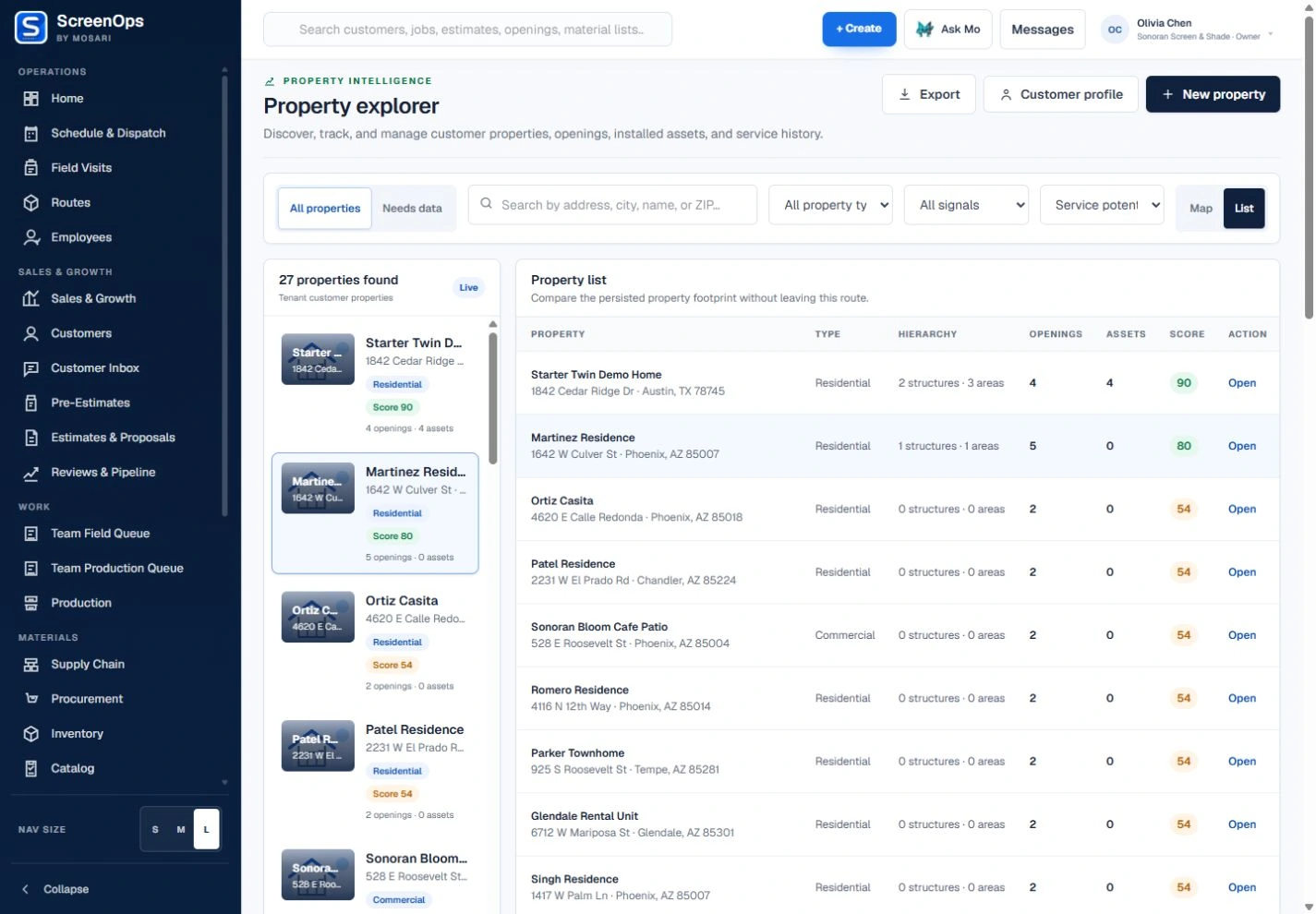
What stays connected
- Business and site records
- Window and pane mapping
- Artwork and film specifications
- Approval and document history
- Production or supplier handoff
- Installation and sign-off evidence
Follow the workflow
- Inquiry
- Site survey
- Artwork and film approval
- Estimate
- Produce or procure
- Install and sign off
The operating record
Commercial account → Property → Building → Storefront → Window or pane
Questions to keep with the job
- Are location, storefront, pane dimensions, artwork, film, and approval versions attached to the correct account?
- Can installation windows, access instructions, contacts, and completion evidence be coordinated across locations?
- Which artwork proofing and color-management steps remain in the company’s design tools?
Common questions
Can ScreenOps organize work across multiple business locations?
Yes. Customer records can connect to multiple properties so each site retains its own openings, jobs, documents, and service history.
Can artwork and approval documents stay with the job?
Documents, notes, status, and approved scope can remain linked to the customer, site, estimate, and installation record.