

The work this connects
A low-stock alert is not enough when the shop needs to know what is reserved, what is arriving, and which job created the demand. ScreenOps keeps that operational context visible.
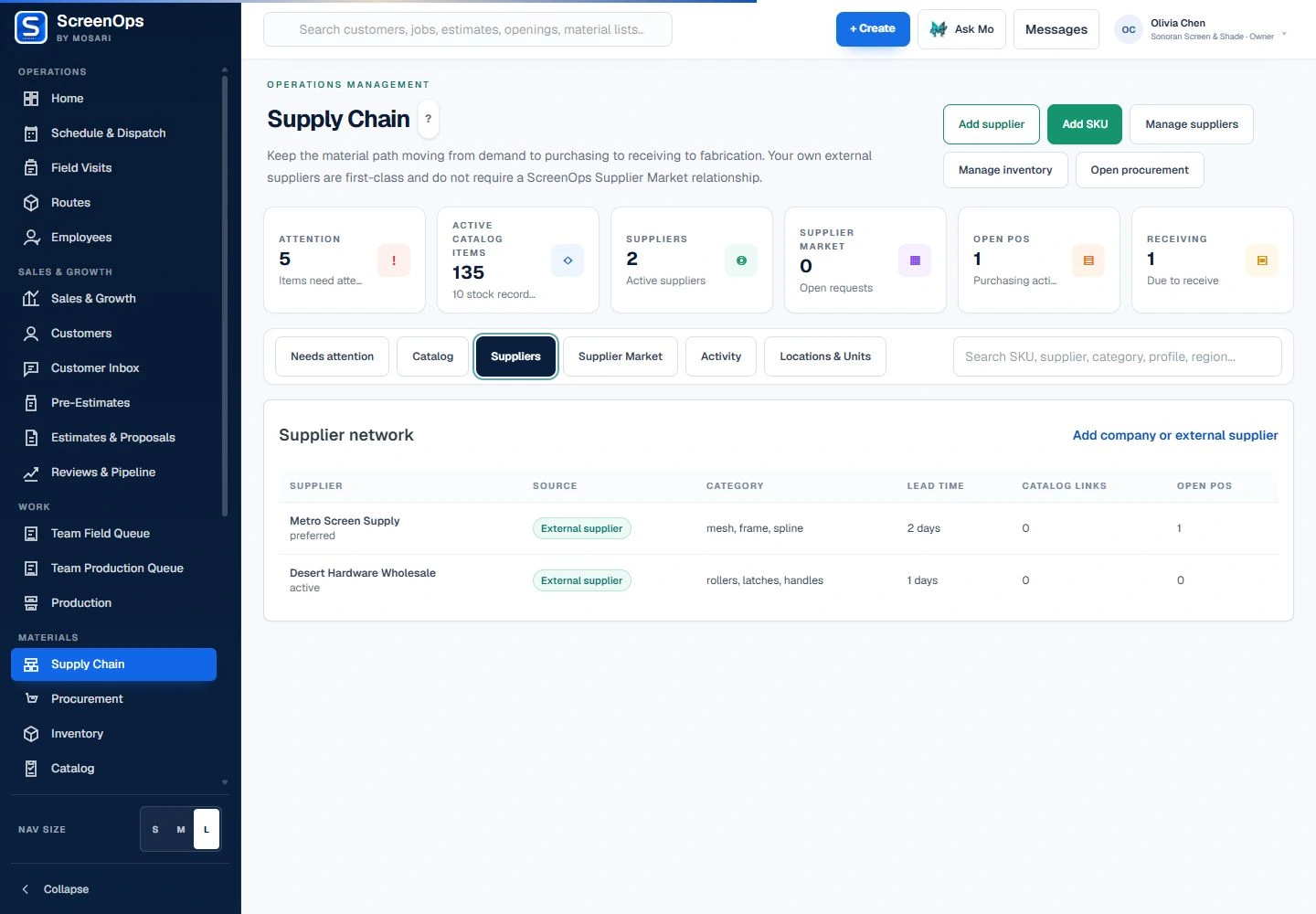
What stays connected
- Material readiness queue
- Supplier records
- Purchase-order tracking
- Partial receiving
- Low-stock and threshold visibility
- Production-demand context
Follow the workflow
- Job demand
- Availability check
- Procure if needed
- Receive
- Release to production
Common questions
Does ScreenOps automatically create purchase orders?
No. Inventory and procurement are operational support tools. Teams review demand and purchasing decisions instead of relying on opaque automatic purchase orders.
Can purchase orders be partially received?
The receiving workflow can preserve ordered, received, and remaining quantities so the team can see what is still outstanding.