

The work this connects
The workflow overview, automation rules, and company configuration serve different purposes. ScreenOps links them so the team can understand the path before changing how work moves.
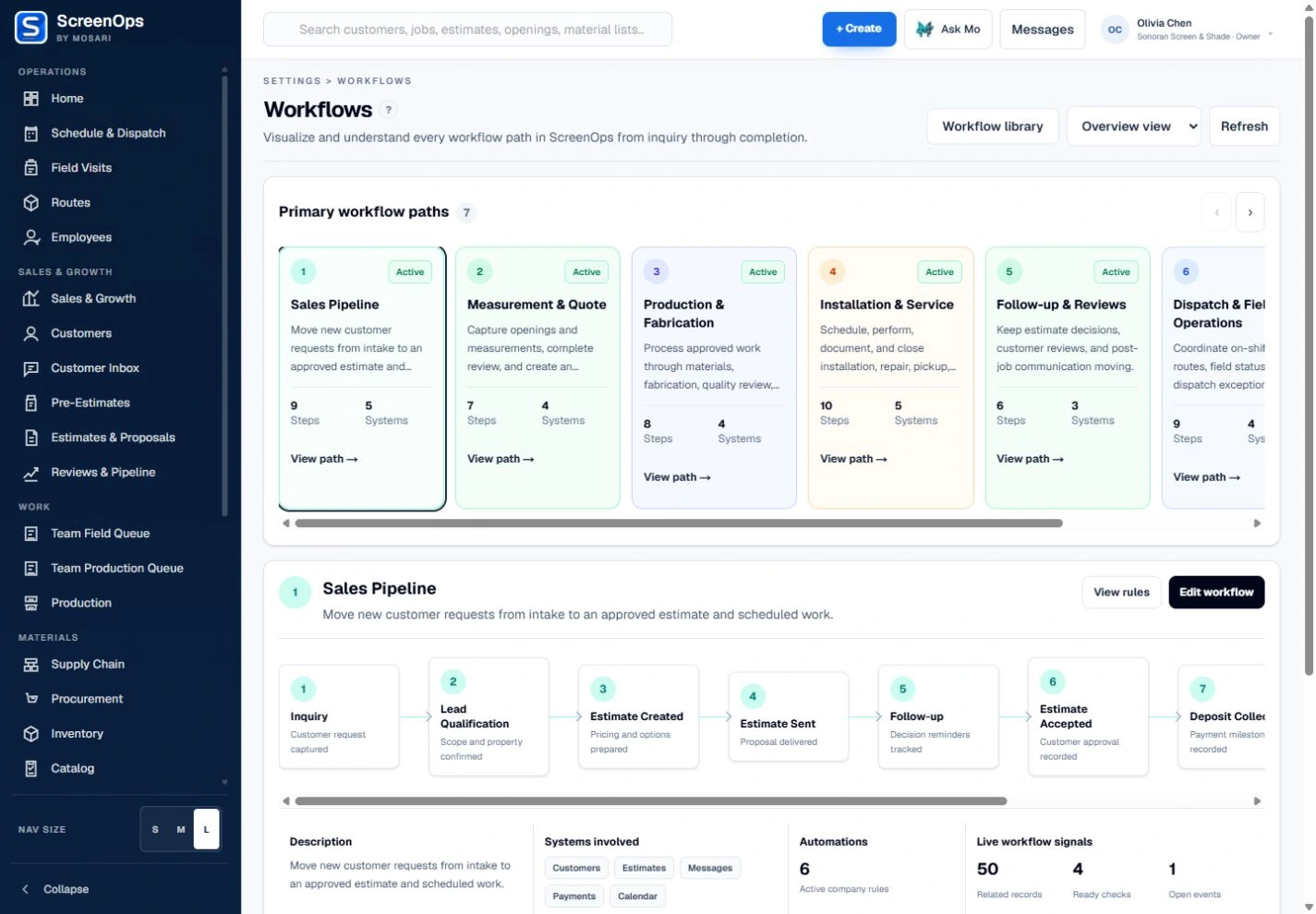
What stays connected
- Seven primary workflow paths
- Overview and expanded views
- Business-function filters
- Linked operating workspaces
- Automation & AI rule access
- Company workflow settings
Follow the workflow
- Understand the path
- Review the operating record
- Inspect rules
- Edit company settings
Common questions
Can every workflow stage be removed?
No. Owners can adapt optional handoffs, but ScreenOps preserves the core record chain and required accountability for customer, job, pricing, approval, and production decisions.
Does AI make final decisions?
No. Assistive suggestions may help teams work faster, but people remain responsible for pricing, measurement approval, purchasing, production, and accounting decisions.