

The work this connects
Solar screen pricing and production depend on opening-specific dimensions and selected materials. Generic line items lose the detail the shop and installer need.
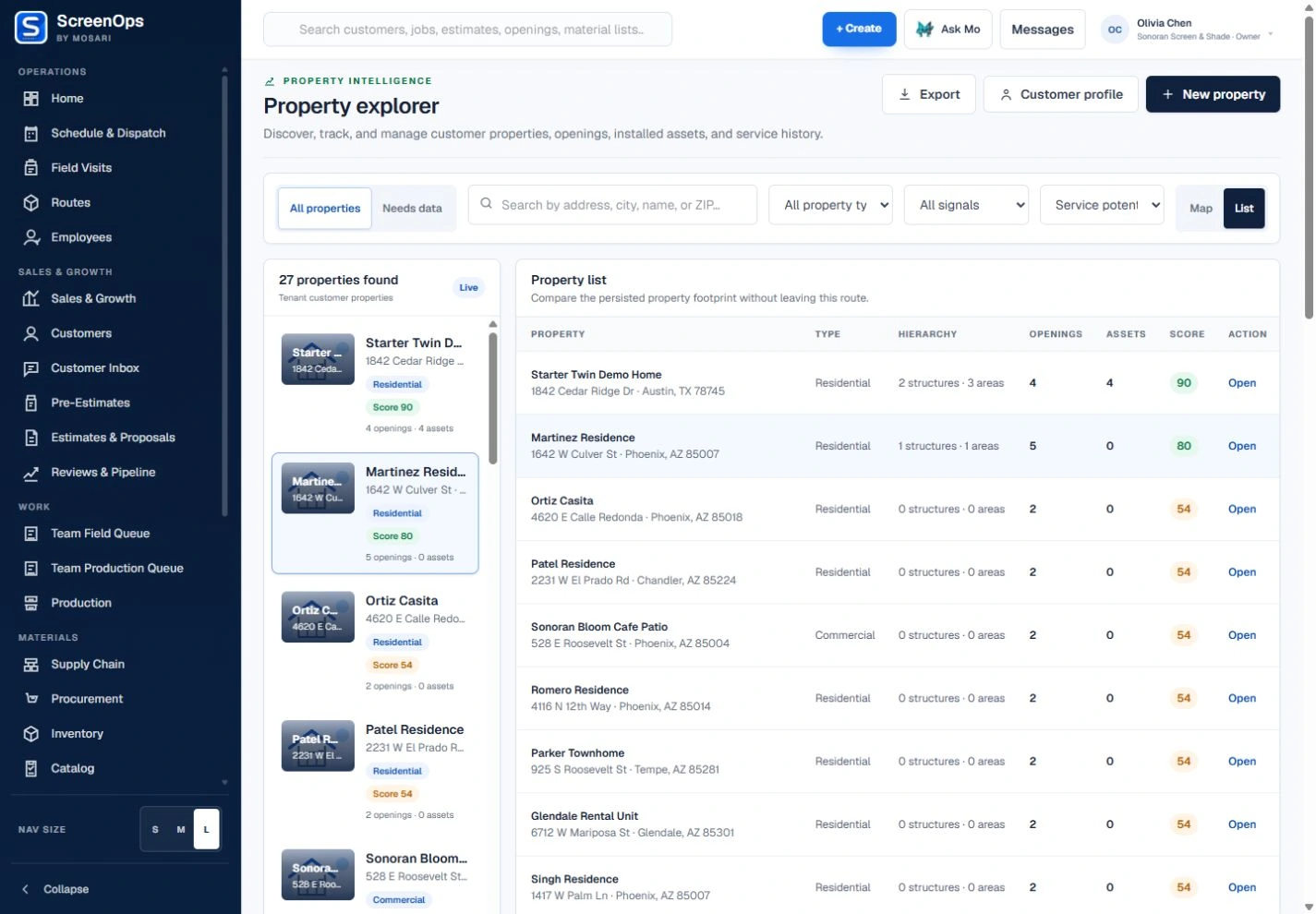
What stays connected
- Opening-specific dimensions
- Exposure and location notes
- Solar mesh and frame options
- Configuration-based pricing
- Fabrication specifications
- Installation and replacement history
Follow the workflow
- Inquiry
- Measure
- Solar screen configuration
- Estimate
- Fabrication
- Installation
The operating record
Customer → Property → Room or area → Window opening → Solar screen
Questions to keep with the job
- Are exposure, location, dimensions, frame color, solar mesh, and attachment details stored by opening?
- Does the estimate reflect the approved opening configuration without making unsupported energy claims?
- Can a future replacement reuse verified specifications and service history?
Common questions
Can solar mesh and frame choices be stored per opening?
Yes. Each opening can retain its dimensions, photos, notes, and selected configuration for estimating and production.
Can prior solar screen work be reused later?
The property and opening history can preserve earlier measurements and service records for qualified staff to review on future work.