

The work this connects
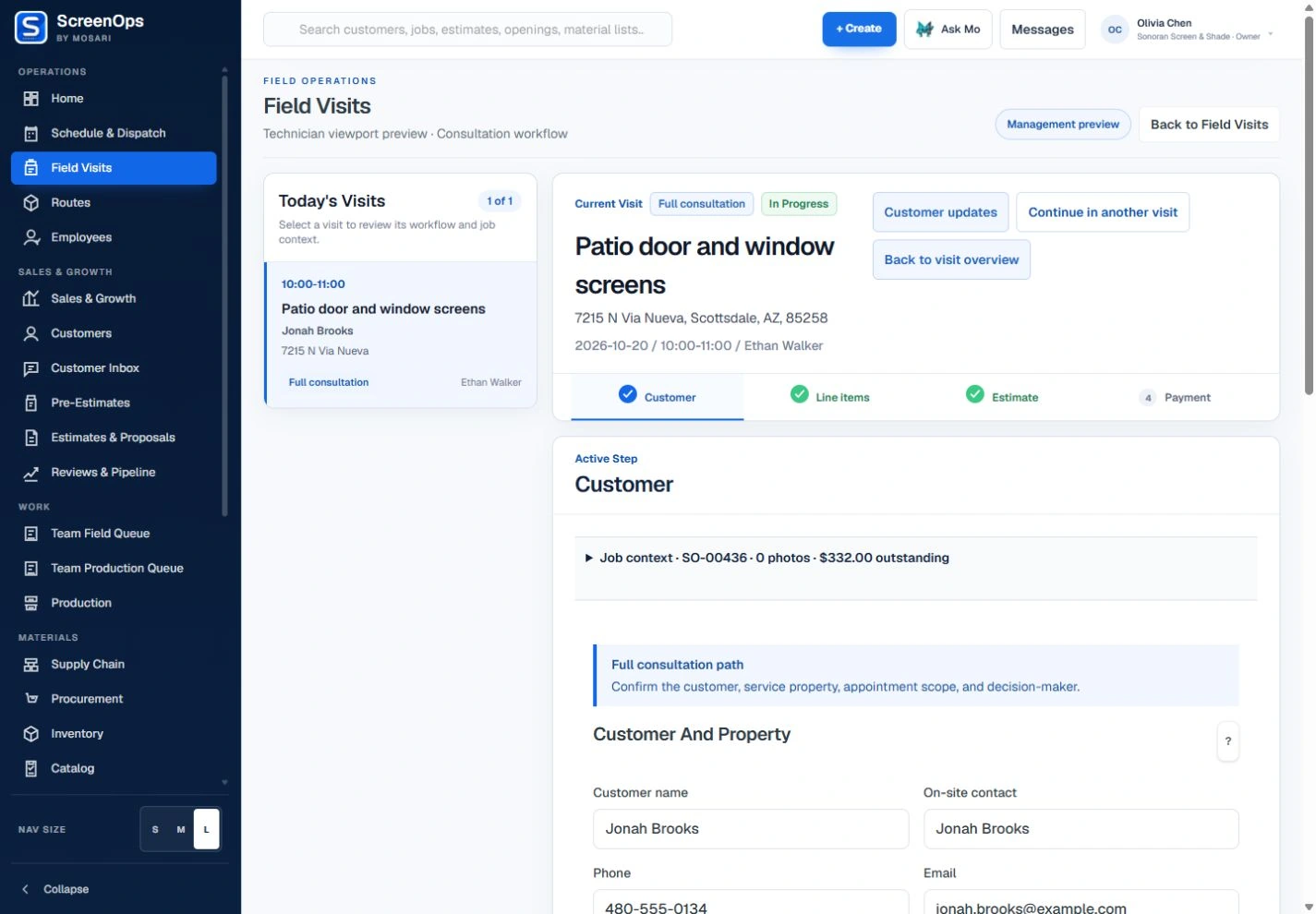
Consultations lose momentum when technicians jump between paper forms, calculators, photos, and office calls. ScreenOps presents the next required step without hiding the underlying job context.
What stays connected
- Assigned visit and job context
- Customer and property confirmation
- Line items and selected options
- Estimate review and approval
- Company payment policy
- Related photos and documents
Follow the workflow
- Customer
- Line items
- Estimate
- Payment
Common questions
Is the consultation experience designed for tablets?
Yes. The field flow uses large touch targets, staged data entry, attached media, and responsive layouts intended for landscape and portrait tablet use.
Can a technician revise options with the customer?
Yes. Configuration and estimate stages are connected so options can be adjusted before the customer accepts the work.